Category: Tech Tips
-
How to Install Easy Click Add-in
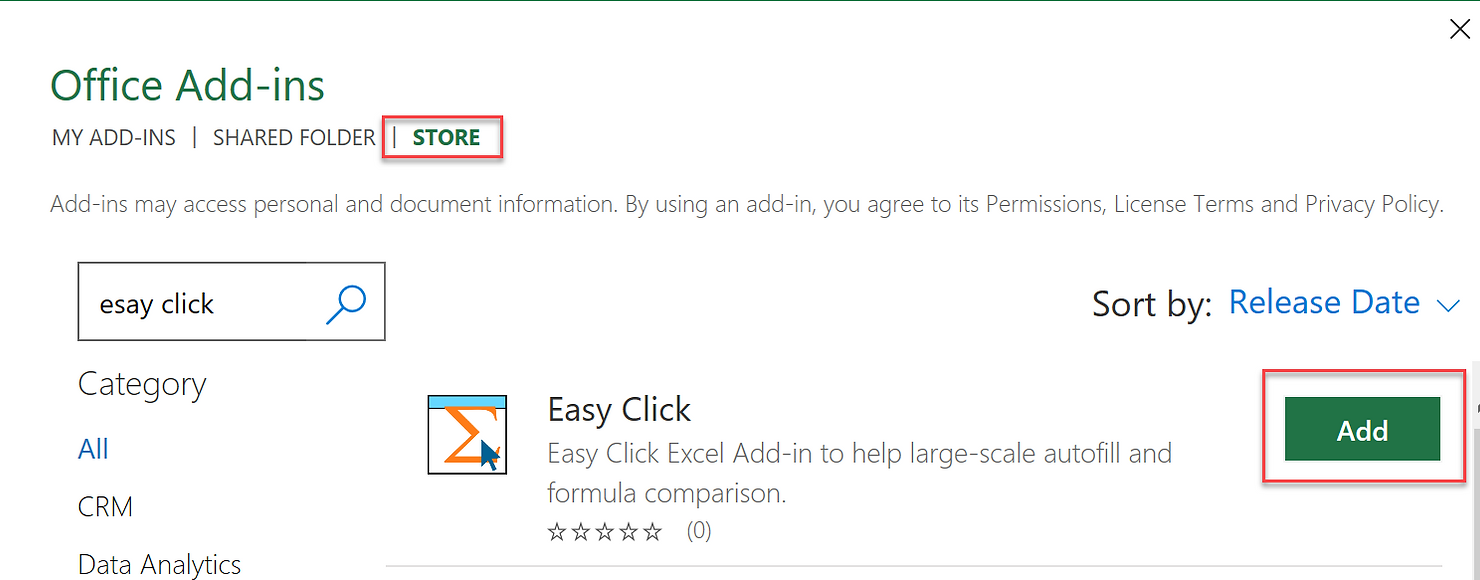
For now, only Windows is supported. You need to activate the “Developer” menu on your Excel by File –> Options –> Customize Ribbon. Check “Developer”. Now, you will see Developer ribbon menu. Click Add-ins. It will guide to Excel STORE. Search for “Easy Click” and Add. You can find Easy Click at the Formulas menu. Read more
-
Easy Click Excel Add-in
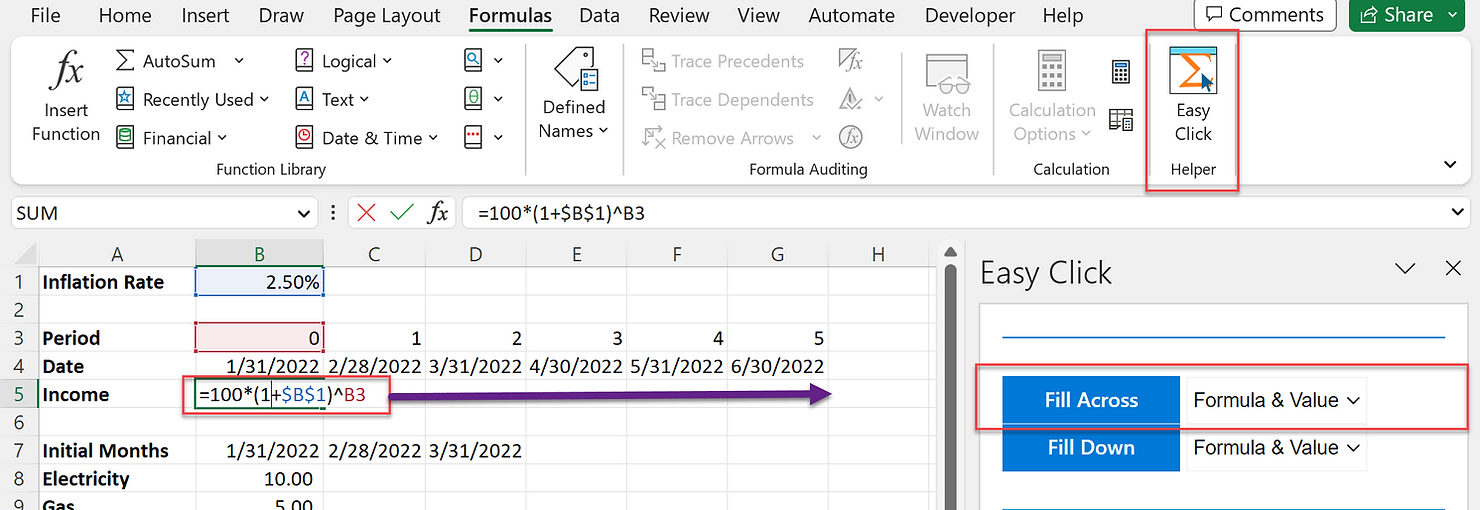
Privacy policy: We (investmentstech.com) do not collect any personal information or require sign-up in the Easy Click Excel add-in. Easy Click Excel Add-in is free software and comes with no warranty. Introduction Easy Click Excel Add-in will help you with Excel modeling that requires large-scale autofill across and down, at ease. Caution: If you use Read more
-
Install R and RStudio
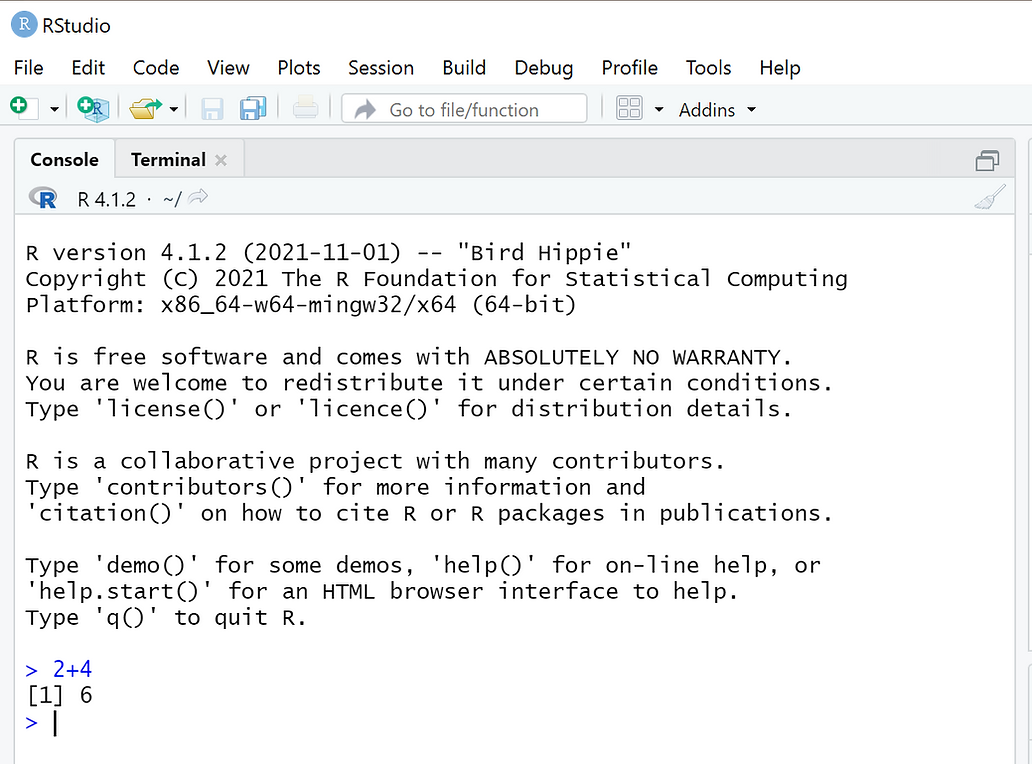
This guides you to install R and RStudio for R beginners. Install R R is a statistical software. This is the engine for all R programing. Install RStudio RStudio is an integrated development environment (IDE) for R. This is an editor that makes your R coding easier. You need R engine (previous step). Test Run Read more
-
Armadillo with Visual Studio Community 2022
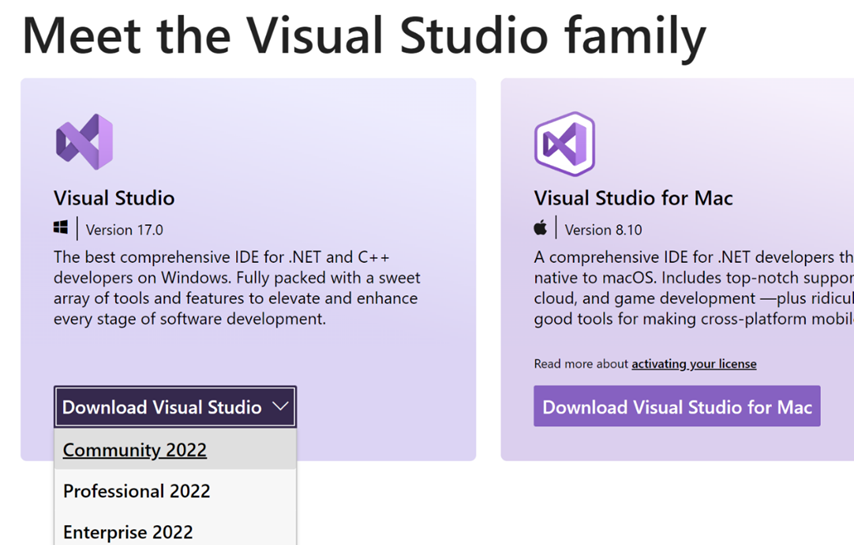
Armadillo with Visual Studio Community 2022 guide This guide works with Windows 10 (or Server), Visual Studio Community 2022 and Intel® oneAPI Math Kernel Library version 2021.4.0. 1. Visual Studio (VS) Community 2022 Install Visual Studio Community 2022 from https://visualstudio.microsoft.com/. You only need to choose Desktop development with C++ option. Now your VS is ready Read more